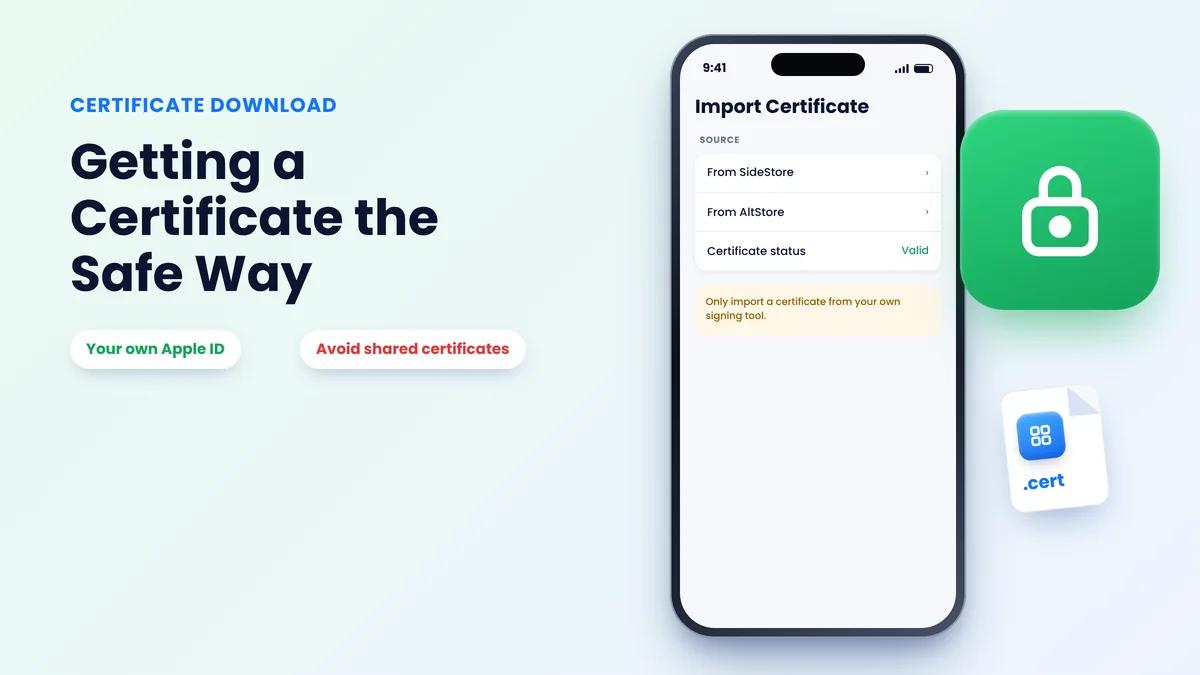
LiveContainer certificate download searches usually come from people whose guest apps will not launch, or who saw a "certificate" mentioned in a setup video. The safe answer is that you rarely need to download a certificate from anywhere at all, because your own sideloading tool already creates one.
This article explains where a valid certificate comes from, how LiveContainer gets access to it, why shared certificates from websites are a bad idea and what to do when the certificate stops working.
What "Certificate Download" Really Means
When AltStore or SideStore installs an app, it creates a signing certificate with your Apple account. LiveContainer is signed this way, and without JIT it signs guest apps with that same certificate. In practice, "downloading" a certificate for LiveContainer means bringing in the one your tool already made.
| Source | Recommended | Why |
|---|---|---|
| Your AltStore or SideStore setup | Yes | Tied to your own Apple account |
| Your paid developer account | Yes | You control the identity |
| Shared certificate websites | No | Unknown owners, may be revoked or misused |
| Bundled with unofficial IPA files | No | Source and contents cannot be verified |
Importing a Certificate into LiveContainer
LiveContainer's settings include a certificate section with options for importing from AltStore or SideStore. Choosing the tool that installed LiveContainer keeps the host app and guest apps signed with a matching identity.
Menu labels can change between releases, so follow the wording shown in your installed version. The official documentation is the most reliable reference if an option has moved or been renamed in a newer build.
Checking That the Import Worked
- The certificate section reports a valid or imported state.
- Newly imported IPA files prepare without signing errors.
- Guest apps open instead of closing immediately.
Why Shared Certificates Are Risky
Websites that hand out certificates are offering someone else's signing identity. You cannot verify who owns it, how many people use it or whether it will be revoked tomorrow, and a revoked certificate can stop every app signed with it at once.
A certificate also authorises code to run on your device. Combined with the fact that guest apps inside LiveContainer are not sandboxed from each other, trusting an unknown certificate or an unofficial build adds risk that a free Apple account simply avoids.
- Shared certificates can be revoked without warning.
- Bundled files may contain modified apps.
- Unofficial LiveContainer builds could access keychain data.
Free Account vs Paid Account Certificates
A free Apple account works well with AltStore and SideStore, but its certificates expire after seven days and the number of active sideloaded apps is limited. LiveContainer helps here because guest apps do not use extra App IDs.
A paid developer account issues longer-lasting certificates and removes some limits. It is optional, and many people run LiveContainer entirely on a free account by refreshing on schedule.
| Account type | Certificate life | Refreshing |
|---|---|---|
| Free Apple account | Seven days | Regular refresh needed |
| Paid developer account | Longer | Less frequent |
When the Certificate Stops Working
Expiry is the most common cause. If LiveContainer will not open, refresh it in AltStore or SideStore first. If LiveContainer opens but guest apps close straight away, the imported certificate may not match the one used to install the host app.
Re-importing from the correct tool usually fixes a mismatch. Reinstalling LiveContainer with a different Apple account also changes the certificate, so the import step should be repeated afterwards.
How LiveContainer Uses the Certificate
Understanding why the certificate matters makes it easier to keep things working. When JIT is not available, LiveContainer signs each guest app as it prepares it, using the same certificate that was used to install LiveContainer itself on the device.
When JIT is available, code signing is bypassed and guest apps do not need to be signed first. The host app still needs a valid signature from AltStore or SideStore, so certificate care never disappears completely.
- Host app: always signed by your sideloading tool.
- Guest apps without JIT: signed with the host's certificate.
- Guest apps with JIT: no pre-signing needed.
Protecting Your Apple Account
Your sideloading certificate is tied to your Apple account, so the account itself deserves protection. Using two-factor authentication and an app-specific setup where your tool supports it keeps the identity behind your certificate secure.
Some people use a separate Apple account just for sideloading. That approach keeps personal data and purchases apart from the account used to sign apps, while still giving you a certificate you fully control.
Signs a Certificate Source Is Unsafe
Unsafe certificate offers tend to follow the same patterns. Recognising them makes it easy to skip offers that could put your device and data at risk.
- Promises of "unlimited" or "never expiring" certificates for free.
- Requests to install configuration profiles from unknown websites.
- Certificates bundled with modified IPA files or app packs.
- No clear owner, contact details or source code.
What to Do Instead
Every legitimate route leads back to your own account and the official tools. Set up AltStore or SideStore with an Apple account you control, install LiveContainer from the official GitHub releases and import the certificate from that same tool.
- Use your own free or paid Apple account.
- Install LiveContainer only from official releases.
- Import the certificate from the tool that installed it.
Frequently Asked Questions
Do I need to download a certificate file manually?
Usually not. Importing from the AltStore or SideStore setup that installed LiveContainer is the standard approach.
Is a paid developer account required?
No. A free Apple account works, as long as you refresh before the seven-day limit.
Can a revoked certificate affect guest apps?
Yes. Guest apps depend on LiveContainer's signature, so a revoked certificate stops them from launching too.
Can I reuse the same certificate on several devices?
Your sideloading tool manages signing for each device it installs apps on. Follow its own instructions for each device rather than copying certificate files between them.
Conclusion
LiveContainer certificate download is best handled by not downloading anything unknown. Your own AltStore or SideStore setup already provides a certificate, and importing that one keeps signing consistent and under your control.
Avoiding shared certificates and unofficial builds, refreshing on time and re-importing after any reinstall are the habits that keep guest apps launching reliably.