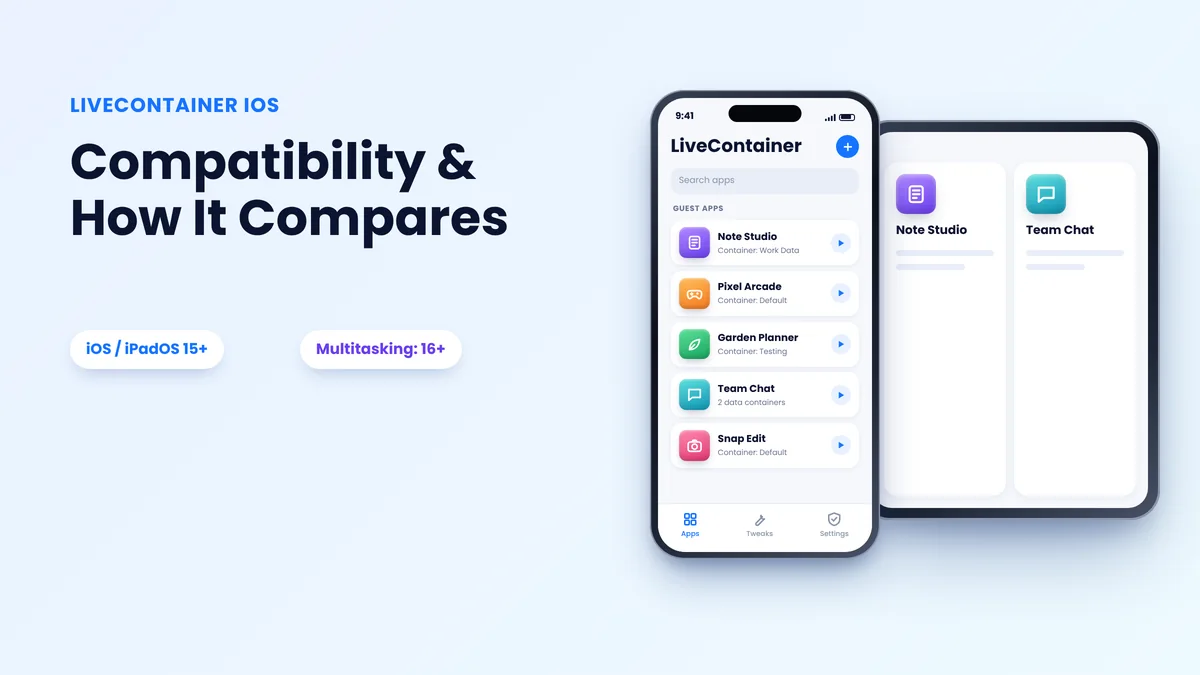
LiveContainer iOS compatibility is the first thing to confirm before downloading anything. The requirements are short, but they differ for the core app and for multitasking, and the sideloading tool you use has its own minimum version too.
This article sets out the current official requirements, explains what works on iPhone compared with iPad, lists the known limits and compares LiveContainer with installing each app through traditional sideloading.
Official System Requirements
The official guidance lists iOS or iPadOS 15 or later for LiveContainer. Multitasking, which runs guest apps in virtual windows, requires iOS or iPadOS 16.0 or later. Installation needs AltStore 2.0 or later, or SideStore 0.6.0 or later.
| Component | Minimum |
|---|---|
| LiveContainer | iOS / iPadOS 15 |
| Multitasking | iOS / iPadOS 16.0 |
| AltStore | Version 2.0 |
| SideStore | Version 0.6.0 |
| Jailbreak | Not required |
Requirements can change with new releases, so the GitHub repository and documentation remain the best place to confirm details before updating iOS or LiveContainer.
iPhone and iPad Differences
Both device types run guest apps the same way. The main difference is multitasking: on iPhone, guest apps can open in resizable virtual windows with Picture-in-Picture support, while on iPad they can also open in separate system windows.
Features Available on Both
- Importing IPA files through the plus icon or share sheet.
- Multiple data containers for the same app.
- Home Screen shortcuts and app hiding.
- Tweak support and per-app fixes.
Known Limits on iOS
LiveContainer works within iOS rules rather than around them. Some capabilities cannot be passed from a guest app to the host, and knowing them upfront explains why a particular app may behave differently.
- Guest app entitlements are not applied to the host app.
- App permissions are applied globally across guest apps.
- App extensions are not supported.
- Remote push notifications do not work.
- Querying custom URL schemes may not work.
- iPhone Mirroring does not work with multitasking.
Guest containers are also not sandboxed from one another, so data separation is about organisation rather than security.
How Traditional Sideloading Works
Traditional sideloading installs every app as its own iOS app. Each one is signed, uses its own App ID and needs refreshing when its certificate expires. On a free Apple account, the limit is three active sideloaded apps and ten App IDs over a rolling period.
That model gives each app full system integration, including extensions and push notifications where signing allows. The trade-off is the app limit and the need to refresh every app on its own.
LiveContainer vs Traditional Sideloading
LiveContainer uses one app and one App ID for itself, so the free-account limit does not apply to the guest apps you add. Refreshing the host is enough to keep guest apps launching.
| Consideration | LiveContainer | Traditional sideloading |
|---|---|---|
| App installation | Inside a host app | Individually on iOS |
| App ID usage | Shared host approach | Usually per installed app |
| Multiple data setups | Supported | Varies by method |
| Refreshing | Refresh the host app | Refresh each app |
| Extensions and push | Not supported | Depends on signing |
| Compatibility | Some limitations | Depends on app and signing |
Choosing Between the Two
Many people use both. Apps that need widgets, keyboards or push notifications stay as normal sideloaded installs, while everything else lives inside LiveContainer to save app slots and refresh time.
Updating iOS with LiveContainer Installed
A major iOS update can change how sideloaded apps behave, and LiveContainer relies on system behaviour more closely than a typical app. Checking the GitHub repository and recent release notes before a big iOS update shows whether users have reported issues on the new version.
Release notes have previously mentioned fixes tied to specific iOS releases, such as iOS 18 and iOS 18.2 support. Waiting a little after a major iOS release gives the project time to address any changes.
- Read recent release notes before a major iOS update.
- Back up important guest app data first.
- Update LiveContainer to the latest stable build after updating iOS.
Checking Your Own Device
Your current iOS or iPadOS version is shown in the Settings app under General and About. If it is version 15 or later, LiveContainer is supported, and version 16 or later adds multitasking.
The next check is your sideloading tool. AltStore shows its version in its settings, and SideStore does the same, so you can confirm they meet the 2.0 and 0.6.0 minimums before downloading LiveContainer.
| Your setup | What you can use |
|---|---|
| iOS / iPadOS 15 | LiveContainer without multitasking |
| iOS / iPadOS 16 or later | LiveContainer with multitasking |
| Below version 15 | Not supported |
Who Benefits Most from Each Approach
People with many sideloaded apps on a free Apple account gain the most from LiveContainer, because the three-app limit stops being a constant constraint. Testers who need several accounts in one app also benefit from data containers.
Traditional sideloading remains the better fit for apps that depend on extensions, widgets or push notifications. Choosing per app, rather than all or nothing, gives the best of both methods.
A Practical Mixed Setup
A common arrangement keeps SideStore or AltStore, LiveContainer and one or two apps that need extensions as normal sideloaded installs. Everything else runs as guest apps inside LiveContainer, which keeps the free-account slots available for the apps that truly need them.
Frequently Asked Questions
Does LiveContainer support iOS 14?
No. The official minimum is iOS or iPadOS 15.
Is multitasking available on every supported version?
No. Multitasking requires iOS or iPadOS 16.0 or later.
Does LiveContainer replace AltStore or SideStore?
No. One of them is still needed to install and refresh LiveContainer itself.
Can LiveContainer run on a Mac?
The official requirements cover iOS and iPadOS devices. Check the GitHub repository for any changes before trying other platforms.
Do guest apps need their own App IDs?
No. LiveContainer uses one app and one App ID for itself, so guest apps do not count towards free-account App ID limits.
Conclusion
LiveContainer iOS support starts at iOS and iPadOS 15, with multitasking from version 16, and it relies on AltStore or SideStore for installation.
Compared with traditional sideloading, it saves app slots and refresh effort at the cost of some system features, so combining both approaches often gives the most practical setup.